
News
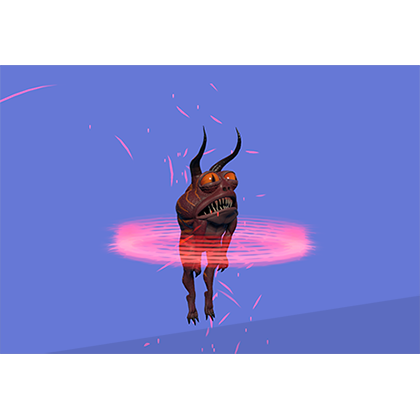
Editing an animation in Unity
You imported your animation into Unity. Here are a couple of things you can do with it inside Unity.
Duplicate an animation in Unity so you can unlock the animation for editing. ctrl-d (pc) cmd-d (mac)
Tutorial video on editing an imported animation in Unity 3d.
Using Unity's generic rig with root motion
Unity’s generic rig is great for characters that do not conform to the humanoid skeleton structure, and also has its own dedicated animations.
Using root motion in Unity can be finicky and sometimes it is difficult to find what is causing the issue in your character. Here are some some guidelines to setting up your character with the generic rig to use animation that works for the most part. I am currently using Unity 2021.3.19f1.
Your new Unity creature comes in magenta!
How to fix your creatures or characters in Unity when they appear in a solid magenta color.
If you have purchased a new creature or character from the Unity Asset Store and it shows up in your project a bright magenta. Here are some steps to fix that.

Magenta creatures showing in your project.
The problem is that your project uses a different render pipeline than the creature or character that you just imported.
My characters are all using the built-in render pipeline, but if you are using the Universal Render Pipeline (URP) or the High Definition Render Pipeline (HDRP) they each use their own shaders, and they are not compatible.

Find out what render pipeline your project is using.
In the above screenshot the project is set to Universal Render Pipeline, but the creatures material is set to the standard PBR material for the built-in render pipeline.
This is an easy fix. All you need to do is set the material to the appropriate URP shader. (You will need to do this for all the materials that are showing up magenta)
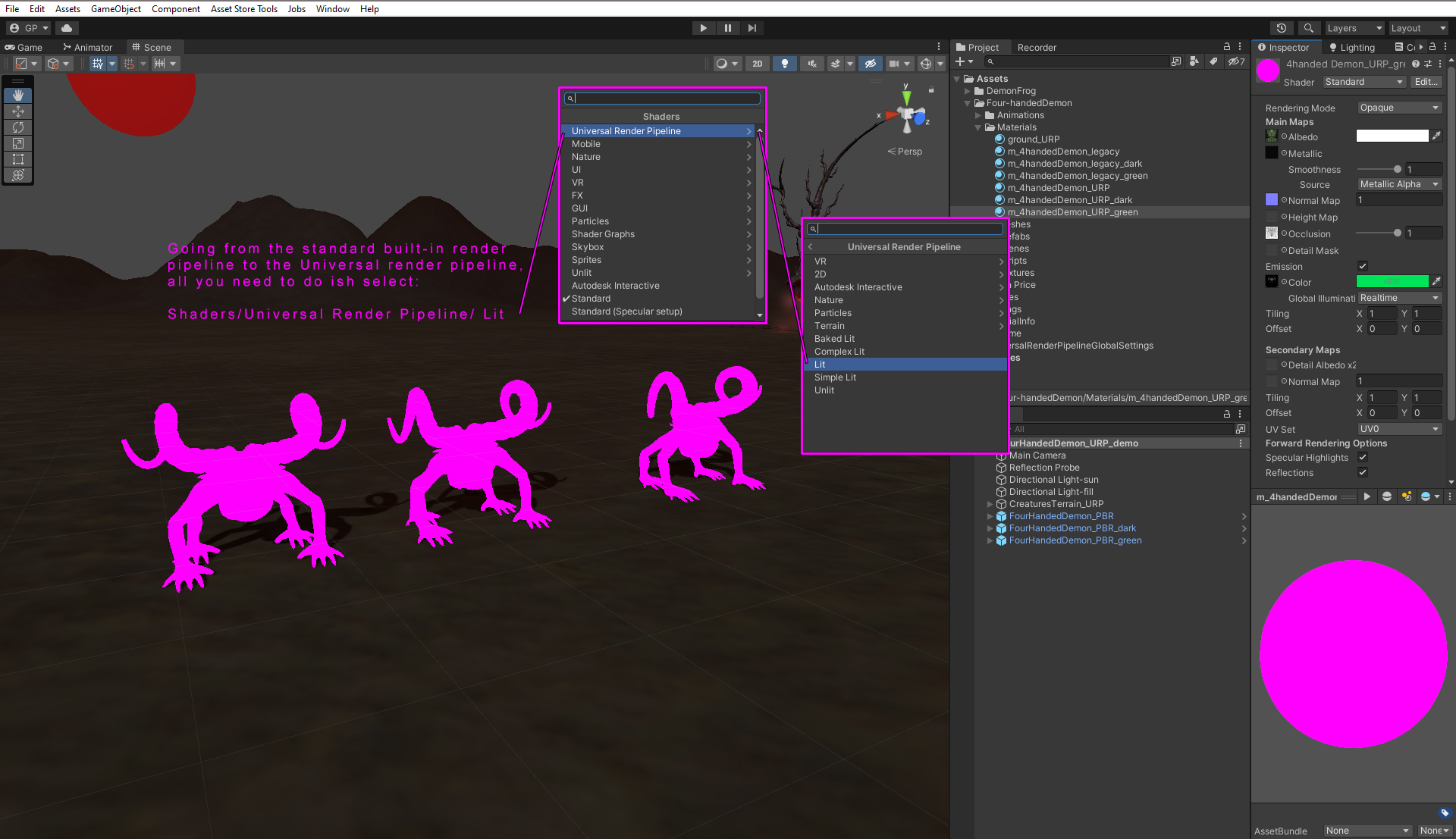
In this case you select the “Standard” shader in the inspector panel, and then select “Universal Render Pipeline” and then “Lit”
Lit means that the material is affected by lighting in the scene.

After changing the shader, make sure all the appropriate image maps are in place. Usually the Base Map (diffuse, color , albedo) drops out , and needs to be replace.
That’s it.
Hope this helps.

Please add your animation and creature requests here

Leave a comment with your animation, and or creature requests you would like to see in future Unity Asset Store releases.
A Couple of of New Works in Progress
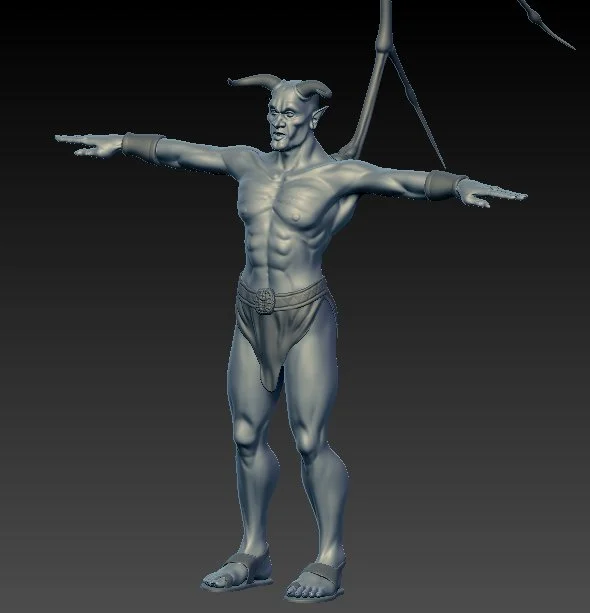
Here are a couple of hires Zbrush models that I am working on. The Arch Demon is new, and the female Cyclops Demon is a model that I started awhile ago and decided to work on it again. I am making both male and female versions of this.

Arch Demon modeled in ZBrush.
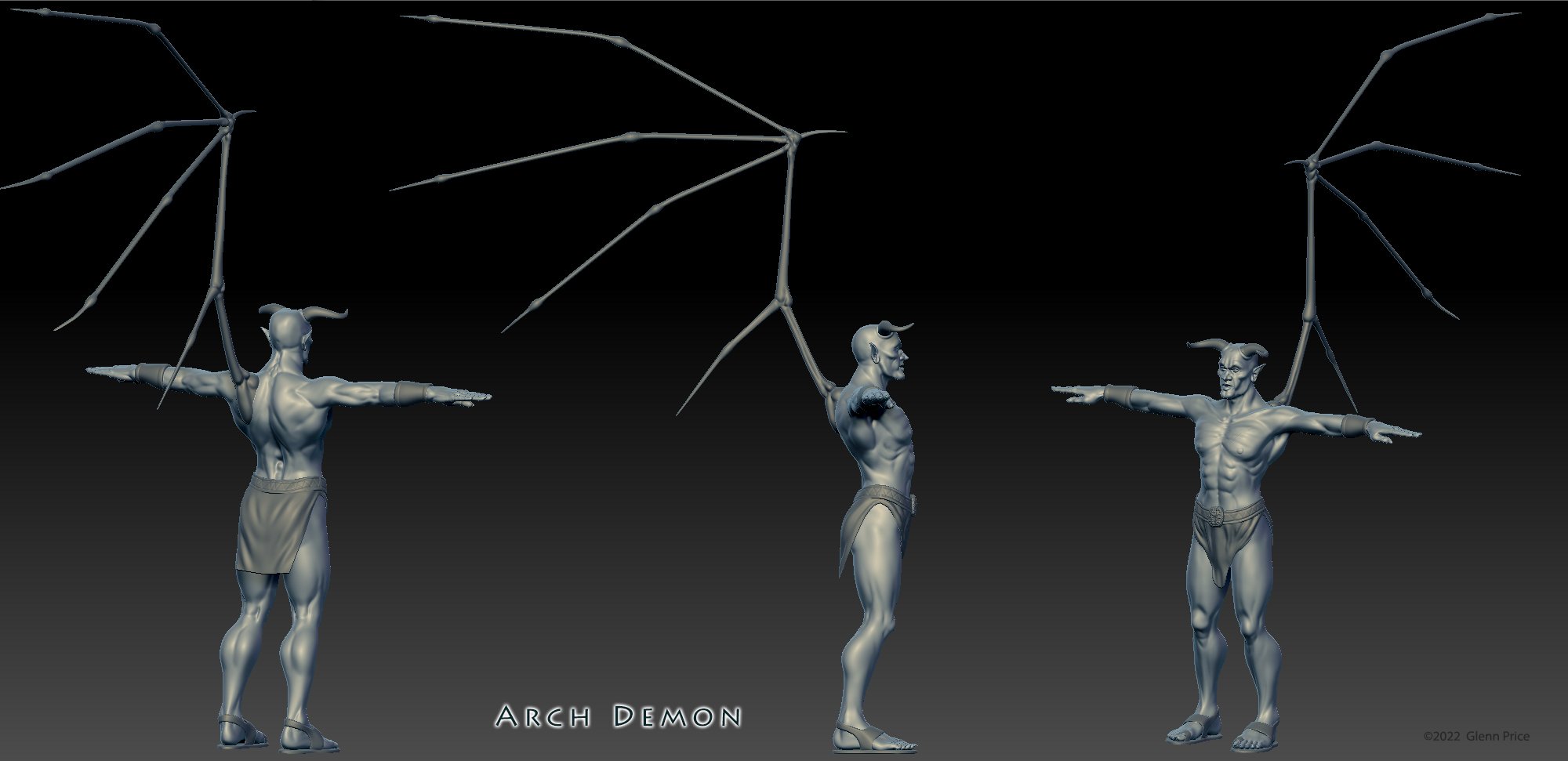
Arch Demon - Zbrush work in progress

Female Cyclops Demon - Zbrush work in progress
Four-handed Demon updated to version 1.02

What’s new:
Added root motion to all animations, and added the following new animations.
Turn right 90 degrees
Turn left 90 degrees
Dodge left
Dodge right
idle stretch
re-named Scoot back to Dodge back
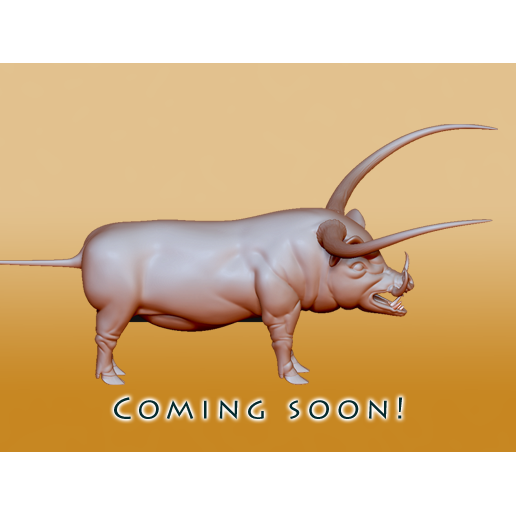
Work in Progress
Here is a new creature that I am working on “Spirit Pig” for the Unity store.
Here is a new creature that I am working on “Spirit Pig” for the Unity store. It has tusks, and long horns. I plan on making three texture variants. One will have glowing runes.
